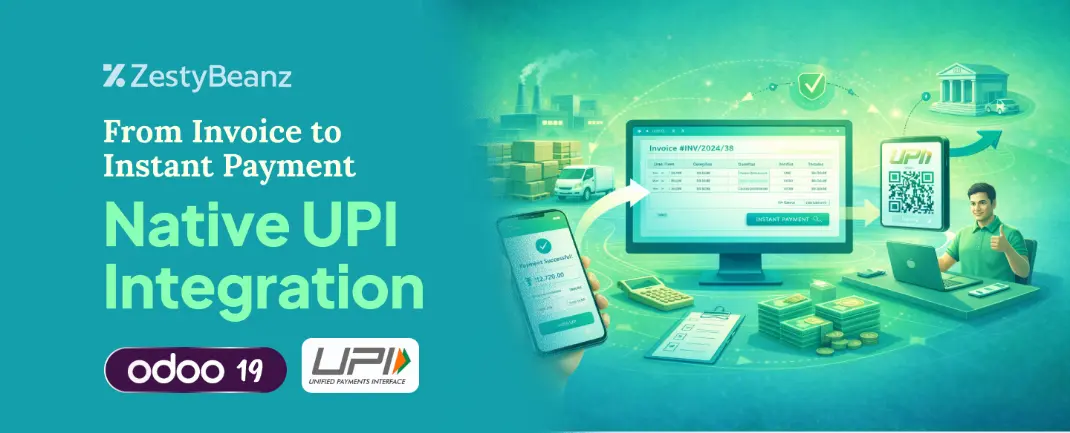
From Invoice to Instant Payment: Native UPI Integration in Odoo 19.0
February 5, 2026by
admin
From Invoice to Instant Payment: Native UPI Integration in Odoo 19.0
Introduction
Invoices have always been at the center of business transactions, representing revenue, confirming agreements, and triggering the payment cycle; however, despite their importance, most ERP systems have historically treated invoices as passive records—documents that are generated, sent to the customer, left waiting for payment, manually checked against bank statements, and reconciled by hand—an approach that creates significant operational friction in the form of delayed confirmations, manual matching errors, heavy reliance on Excel, time-consuming follow-ups, and slow financial reporting, all of which Odoo 19.0 fundamentally changes by embedding UPI functionality directly into the invoice workflow, transforming invoices from static documents into active, payment-aware business objects.
WORKFLOW
A UPI QR code is generated directly on the invoice
Customers scan and pay instantly using any UPI app
The payment is automatically linked to the correct invoice
Real-time bank webhooks confirm successful transactions
Accounting entries and reconciliation happen automatically
No manual matching. No waiting for bank statements. No chasing confirmations.
From invoice creation to payment confirmation and finally accounting reconciliation, the entire flow operates as a single, continuous ERP process. This is not merely a payment integration, but a process-first ERP design adapted to how payments actually work in India—fast, QR-led, and real-time. When ERP systems align with real-world payment behavior, finance teams spend less time fixing data and more time trusting it. In this model, the invoice is no longer a static document; it becomes the payment gateway itself.
Enabling UPI QR Code on Invoices in Odoo 19
Step 1: Enable Customer Online Payments
Invoicing → Configuration → Settings
Open Customer Payments section.
Enable
Customer Payments
Invoice Online Payment customers pay their invoices online
Add QR-code link on PDF
QR Codes Add a payment QR-code to invoices
Click Save
Step 2: Create a Customer Invoice
Customers → Invoices → Create
Select the Customer
Add invoice lines (products/services)
Under the Other Info tab:
Ensure the Payment QR Code option is enabled (if available)
Step 3: Confirm the Invoice
Click Confirm.
Once confirmed, click Print → Invoice.
Step 4: View and Use the QR Code
Scan the QR code directly
Choose their preferred payment method
Complete the payment instantly
Conclusion
Modern businesses can no longer afford disconnected workflows between invoicing and payments, as financial systems in a real-time economy must respond instantly and intelligently. With native UPI integration in Odoo 19.0, invoicing evolves from a passive accounting task into an active, automated financial process that delivers faster collections, automated reconciliation, improved cash flow visibility, reduced operational workload, and greater financial accuracy.
If you
are looking for an ERP implementation partner with diverse industry
experience feel free to contact us. We have proven track record of
successful implementations across various sectors including Odoo for
Manufacturing, Odoo for Trading, Odoo for FMCG, Odoo for Oil & Gas,
Odoo for Diary, Odoo for Pharma, Odoo for Cosmetic Clinic, Odoo for
Contracting Companies, Odoo for HVAC, Odoo for Logistics, Odoo for
Automobile, Odoo for Laundry, Odoo for Field Service, Odoo for
E-Commerce & many more
ZestyBeanz offers Developer / Consultant outsourcing programs, Chat with us in Whatsapp and Hire Odoo Developers, Mobile Application Developers, Consultants.