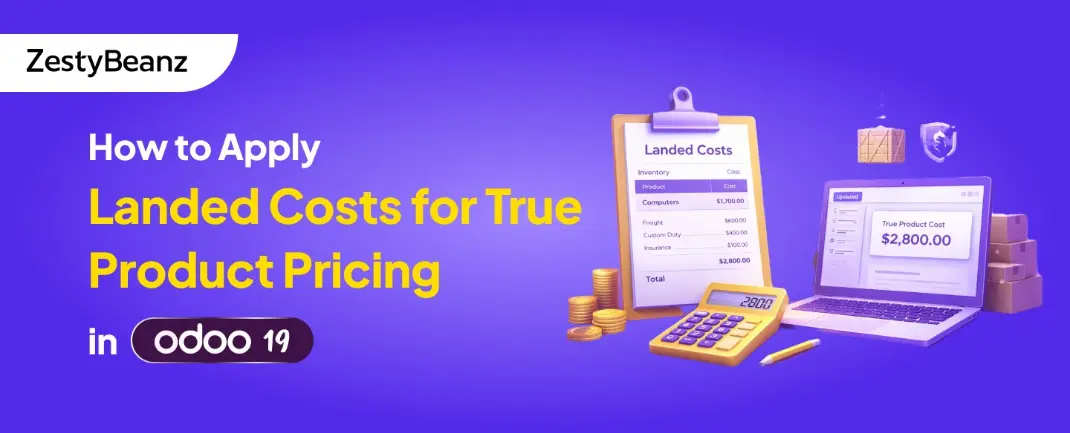
How to Apply Landed Costs for True Product Pricing in Odoo 19
March 6, 2026by
admin
How to Apply Landed Costs for True Product Pricing in Odoo 19
Introduction Accurately calculating the real cost of products is essential for businesses that rely on inventory management. The purchase price alone rarely reflects the full cost of acquiring goods. Additional expenses such as shipping, customs duties, insurance, and handling fees significantly impact the actual product cost.
In Odoo 19, the Landed Cost feature allows businesses to include these additional expenses in inventory valuation. By allocating these costs to products received through incoming shipments, companies can maintain more accurate product pricing and financial reporting.
This blog explains how landed costs work in Odoo 19, how they can be applied to incoming shipments, and how developers can extend the functionality with custom code to streamline the process.
What Are Landed Costs in Odoo?
Landed costs represent additional expenses incurred to bring products into inventory. These costs are distributed across products in a shipment to calculate the true cost of inventory.
Common examples of landed costs include:
Freight or transportation charges
Import duties and taxes
Insurance fees
Handling or logistics charges
Packaging and port fees
Instead of recording these costs separately, Odoo allows them to be allocated directly to the products, ensuring that inventory valuation reflects the true product cost.
Enabling Landed Costs in Odoo 19
Before applying landed costs, the feature must be enabled in inventory settings.
Navigate to:
Inventory → Configuration → Settings
Enable the option:
Landed Costs
Once enabled, Odoo allows you to create landed cost records and apply them to incoming shipments.
Configuring Landed Cost Products
Landed costs are usually represented by service-type products that represent additional expenses such as freight or insurance.
Example configuration:
Product Name: Freight Charges
Product Type: Service
Can be Expensed: Enabled
Landed Cost: Enabled
These products will later be used to allocate costs to inventory.
Creating a Landed Cost Record
To apply landed costs manually in Odoo:
Navigate to:
Inventory → Operations → Landed Costs
Create a new landed cost record and select the incoming shipment associated with the cost.
The form typically includes:
Transfer/Picking – the incoming shipment
Cost Lines – additional expenses to allocate
Split Method – method used to distribute costs
Available split methods include:
Equal distribution
By quantity
By current cost
By weight
By volume
Once the landed cost is validated, Odoo automatically updates the inventory valuation of the products.
Automating Landed Cost Application with a Wizard
In many businesses, landed costs are applied frequently. Instead of manually creating landed cost records each time, developers can create a wizard to automate the process.
Below is an example of a wizard that allows users to apply landed costs directly from an incoming shipment.
Example implementation:
Wizard File
This wizard:
Selects an incoming shipment
Adds a landed cost line
Computes and validates the landed cost automatically
Wizard Form View
Adding a Button to the Incoming Shipment
To make the wizard easily accessible, we can add a button to the stock picking form.
Python Method
XML Button
This button allows users to apply landed costs directly from the shipment form.
Workflow Overview
With this implementation, the workflow becomes simple:
Products are received through an incoming shipment.
The user clicks Apply Landed Cost.
A wizard popup appears.
The user enters the additional cost details.
The wizard automatically creates and validates the landed cost record.
Product valuation is updated to reflect the true cost.
Benefits of Using Landed Costs
Applying landed costs in Odoo provides several advantages:
Accurate product costing
Better profit margin analysis
Correct inventory valuation
Improved financial reporting
Better pricing decisions
This is especially useful for businesses involved in imports, wholesale distribution, and global supply chains.
Conclusion
Landed costs play a critical role in calculating the true cost of products. By including additional expenses such as freight, insurance, and customs duties, businesses can ensure that inventory valuation reflects real-world costs.
Odoo 19 provides a powerful landed cost system that automatically distributes these expenses across products. With a small customization—such as a wizard or automated workflow—developers can further streamline the process and make it more user-friendly.
By implementing landed costs effectively, businesses can achieve more accurate product pricing, improved financial visibility, and better decision-making.
If you are looking for an ERP implementation partner with diverse industry experience feel free to contact us. We have proven track record of successful implementations across various sectors including Odoo for Manufacturing, Odoo for Trading, Odoo for FMCG, Odoo for Oil & Gas, Odoo for Diary, Odoo for Pharma, Odoo for Cosmetic Clinic, Odoo for Contracting Companies, Odoo for HVAC, Odoo for Logistics, Odoo for Automobile, Odoo for Laundry, Odoo for Field Service, Odoo for E-Commerce & many more
ZestyBeanz offers Developer / Consultant outsourcing programs, Chat with us in Whatsapp and Hire Odoo Developers, Mobile Application Developers, Consultants.