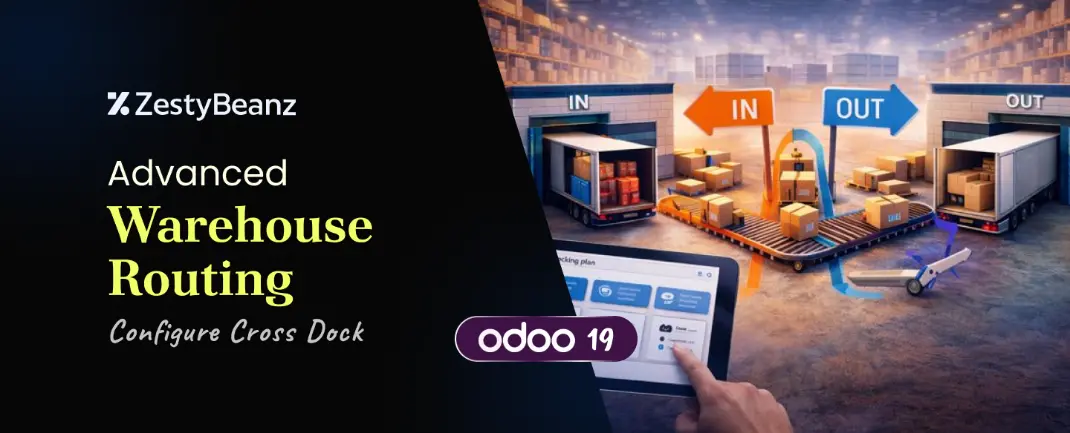
Modern supply chains are no longer driven by storage capacity alone — they are driven by speed, efficiency, and accuracy. Businesses today face constant pressure to reduce inventory holding costs while still meeting customer expectations for faster deliveries. Traditional warehouse models, where products are received, stored, and later shipped, often introduce unnecessary delays and operational overhead.
To overcome these challenges, many organizations adopt Cross-Docking, a logistics strategy that minimizes or completely eliminates storage time in warehouses. Instead of placing incoming goods into stock, products are immediately routed from incoming shipments to outgoing deliveries.
With Odoo 19, cross-docking has evolved from a basic routing option into a robust, enterprise-ready warehouse strategy. Improvements in routing evaluation, stock move chaining, and reservation logic make cross-dock operations far more reliable and scalable than in previous versions.
This blog provides a complete and practical guide to Advanced Warehouse Routing – Cross-Dock in Odoo 19. It explains not only how to configure cross-docking, but also why it works, what happens internally, and when it should be used in real-world business scenarios.
What Is Cross-Docking?
Cross-Docking is a warehouse process where products received from vendors are immediately transferred to outgoing shipments without being stored in the warehouse’s stock location.
Traditional Flow
Vendor → Stock → Customer
Cross-Dock Flow
Vendor → Input → Output → Customer
Key Benefits
✔ No long-term storage ✔ Faster order fulfillment ✔ Lower inventory holding costs ✔ Reduced warehouse congestion
Why Cross-Docking Matters in Odoo 19
Earlier Odoo versions supported cross-docking but had practical limitations:
Route conflicts
Reservation failures
Multi-warehouse instability
Unreliable move chaining
What Changed in Odoo 19?
Odoo 19 introduces major internal improvements, including:
Optimized route evaluation
Stronger stock move chaining
Improved reservation logic
Stable multi-step routing
Better multi-company handling
These enhancements make cross-docking suitable for enterprise-scale logistics operations.
Applications Involved
To use Cross-Docking effectively, the following Odoo applications must be installed:
Inventory
Sales
Purchase
All three modules work together to trigger and complete the cross-dock flow.
Core Concepts You Must Understand
1. Locations
Locations represent physical or logical places where products exist:
Vendor
Input
Stock
Output
Customer
In Cross-Dock, the Stock location is bypassed.
2. Picking Types
Picking types define warehouse operations:
Incoming (Receipts)
Internal Transfers
Outgoing (Delivery Orders)
Cross-dock relies heavily on chained picking types.
3. Stock Moves
A stock move represents a single movement of a product.
Example:
Vendor → Input
Each cross-dock operation is a chain of stock moves, not a single move.
4. Routes
Routes define how products move through the warehouse.
Common routes:
Buy
Stock
Drop-Ship
Cross-Dock
📌 Cross-Dock combines multiple rules into one logical flow.
5. Rules
Rules are the core logic behind routes.
Each rule defines:
Source location
Destination location
Action (Pull / Push)
Cross-Dock is implemented using multiple chained rules that depend on each other.
Step 1: Enable Required Settings
To configure Cross-Docking, first enable Multi-Step Routes and Replenishment Rules.
Next, configure the warehouse to handle shipments correctly.
Navigate to:
Inventory → Configuration → Warehouses
Set:
Incoming Shipments: Receive then store(2 step)
Outgoing Shipments: Pick then deliver(2step)
This setup is essential for Cross-Docking to work properly.
Step 3: Enable Cross-Dock Route
Go to:
Inventory → Configuration → Routes
Enable the Cross-Dock route.
This route internally creates:
Vendor → Input
Input → Output
Output → Customer
Step 4: Configure Product for Cross-Docking
Create or open a product and configure it as follows:
Navigate to:
Inventory → Products
Set:
Product Type: Storable
Routes:
✔ Buy
✔ Cross-Dock
❌ Stock (must be removed)
This ensures the product is never stored in inventory.
Buy Through Cross-Dock (Testing the Flow)
Create a Sales Order for a product with the Cross-Dock route enabled
Confirm the Sales Order
Go to Purchase and confirm the generated Purchase Order
Validate the Incoming Receipt
Odoo automatically creates the Internal Transfer
Open the Sales Order and go to Delivery
Validate the Delivery Order
✔ The product moves directly from vendor to customer without storage.
Business Use Cases
FMCG distribution
Electronics reselling
Automotive spare parts
E-commerce fulfillment
Cold-chain logistics
Conclusion
Cross-Docking in Odoo 19 is a mature, enterprise-grade warehouse strategy that enables zero-storage logistics while maintaining full ERP traceability. With improved routing logic, reservation handling, and scalability, Odoo 19 makes cross-docking a powerful tool for modern supply-chain operations.
If you
are looking for an ERP implementation partner with diverse industry
experience feel free to contact us. We have proven track record of
successful implementations across various sectors including Odoo for
Manufacturing, Odoo for Trading, Odoo for FMCG, Odoo for Oil & Gas,
Odoo for Diary, Odoo for Pharma, Odoo for Cosmetic Clinic, Odoo for
Contracting Companies, Odoo for HVAC, Odoo for Logistics, Odoo for
Automobile, Odoo for Laundry, Odoo for Field Service, Odoo for
E-Commerce & many more
ZestyBeanz offers Developer / Consultant outsourcing programs, Chat with us in Whatsapp and Hire Odoo Developers, Mobile Application Developers, Consultants.